
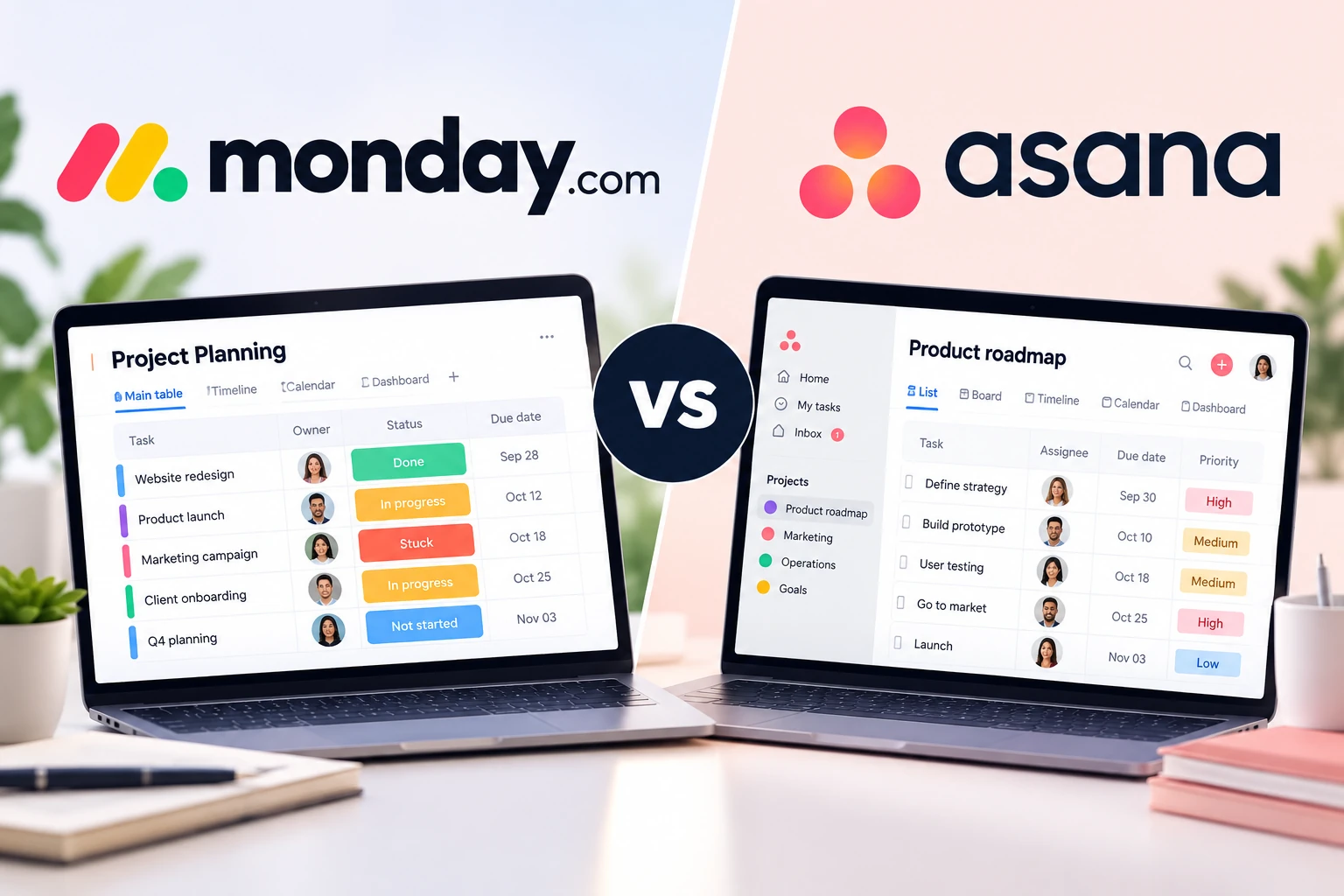
monday.com vs Asana is a comparison between two powerful work management platforms that approach project management in different ways. monday.com emphasizes visual customization and flexible workflows, while Asana focuses on structured task management, project planning, dependencies, and cross-project coordination.
Quick verdict: monday.com is a strong fit for teams that want highly customizable boards, visual workflows, dashboards, and processes that extend beyond traditional project management. Asana is a strong fit for teams that want structured project planning, clear task relationships, dependencies, portfolios, goals, and predictable project workflows.
Last updated: September 30, 2026. Pricing and major features were checked against official monday.com and Asana documentation. SaaS pricing and feature availability can change, so verify current details before purchasing.
monday.com vs Asana at a Glance
| Category | monday.com | Asana | Key Difference |
|---|---|---|---|
| Ease of use | Visual and customizable | Structured and task-focused | Depends on workflow |
| Task management | Flexible board-based system | Strong structured task system | Asana for structured projects |
| Customization | Extensive board and column customization | Strong but more project-oriented | monday.com |
| Views | Board, table, calendar, timeline, Gantt and more depending on plan | List, board, calendar, timeline and Gantt depending on plan | Close |
| Automation | Workflow automations with plan-based action limits | Unlimited automations on Starter and above | Different pricing models |
| Reporting | Flexible dashboards across boards depending on plan | Reporting dashboards and portfolio-level visibility on higher plans | Depends on reporting needs |
| Cross-project planning | Strong through connected boards and dashboards | Strong portfolios and goals on Advanced | Asana for structured portfolio management |
| Free plan | Up to 2 seats and 3 boards | Up to 2 users with unlimited tasks and projects | Asana for basic project volume |
| Best fit | Flexible workflows across departments | Structured project and task management | Depends on team needs |
What Is the Main Difference Between monday.com and Asana?
The biggest difference between monday.com and Asana is how each platform expects teams to organize their work.
monday.com uses customizable boards as the foundation of its work management system. Teams can create columns for owners, dates, priorities, statuses, budgets, numbers, formulas, and other data. This makes monday.com useful not only for project management but also for marketing calendars, operations, client pipelines, content production, and other repeatable workflows.
Asana is more directly centered on tasks, projects, deadlines, dependencies, and project coordination. Its structure makes it easier to understand how individual tasks contribute to larger projects and, on higher plans, portfolios and organizational goals.
This difference matters because more customization is not automatically better. Teams that need flexible business processes may appreciate monday.com’s board system, while teams that primarily need to coordinate projects may prefer Asana’s more structured approach.
Ease of Use and Setup
Both platforms are approachable, but the initial experience is different.
monday.com is highly visual. Status columns, people columns, dates, labels, and other fields make it easy to understand a board at a glance. Templates can also accelerate setup for common workflows.
The tradeoff is that flexibility creates decisions. A team may need to determine which boards to create, which columns to use, how boards connect, and which automations should be added. A poorly designed monday.com workspace can become complicated as more boards and custom processes accumulate.
Asana provides more structure from the beginning. Tasks typically have an assignee, due date, project, description, subtasks, comments, and other project-related information. Teams can then view the same project as a list, board, calendar, timeline, or Gantt chart depending on their plan.
For teams moving from spreadsheets, monday.com may feel immediately familiar because of its grid-like boards. For teams already accustomed to formal task and project management, Asana may require fewer decisions about workspace architecture.
Task and Project Management
Both tools can handle everyday task management, but their strengths appear as projects become more complex.
monday.com
In monday.com, an item can represent a task, client, campaign, request, deal, deliverable, or almost any other unit of work. Teams can add columns to track the information relevant to that item and organize related items into groups and boards.
This model works especially well when a project includes structured data in addition to conventional tasks.
For example, a marketing team could track campaign owner, channel, budget, status, launch date, creative approval, and performance information within the same workflow.
Asana
Asana is more task-centric. Projects contain tasks and subtasks, while dependencies help teams identify which work must be completed before other work can begin.
Timeline and Gantt views on paid plans help teams understand scheduling relationships, while milestones can identify major project checkpoints.
For teams managing projects with many interconnected tasks and deadlines, this structure can reduce ambiguity about what needs to happen next.
Views and Project Visualization
monday.com and Asana both provide multiple ways to visualize work, although availability depends on the subscription plan.
monday.com’s paid tiers expand beyond its core board interface with views such as Timeline, Gantt, and Calendar. Standard includes Timeline and Gantt views as well as Calendar view.
Asana Personal includes List, Board, and Calendar views. Starter adds Timeline and Gantt views, making it easier to plan schedules and visualize dependencies.
The important question is not which platform has the longest list of views. It is whether your team will actually maintain the information required to make those views useful.
A Gantt chart, for example, provides limited value if due dates and dependencies are rarely updated.
Dashboards and Reporting
Reporting is another area where the platforms take slightly different approaches.
monday.com dashboards can combine information from boards and display widgets that summarize workload, status, numbers, charts, and other operational information. The number of boards that can feed a dashboard depends on the plan.
This flexibility can be useful when different departments maintain different boards but managers need a consolidated operational view.
Asana Starter includes reporting dashboards. Advanced expands higher-level management with unlimited portfolios, goals, and resource management.
This makes Asana particularly useful when leadership wants to connect individual projects with broader programs or organizational objectives.
For either platform, reporting quality ultimately depends on data quality. Dashboards cannot compensate for outdated tasks, inconsistent statuses, or incomplete ownership information.
Automation and Workflow Management
Automation can reduce repetitive administrative work in both platforms.
monday.com allows teams to build automations around triggers and actions. A status change, for example, might assign another team member, create a notification, or move work into another stage.
However, automation and integration usage can be limited by plan. At the time of this review, monday.com’s Standard work management plan includes 250 automation actions and 250 integration actions per month.
Asana Starter includes unlimited automations. Teams can create rules that automatically assign work, update information, or trigger workflow actions based on changes within a project.
This difference becomes important for teams with high automation volume. The number of automations available matters less than how frequently those automations actually run.
Collaboration
Both platforms support comments, assignments, notifications, file attachments, and collaborative project updates.
monday.com also includes Workdocs, which allow teams to create collaborative documents connected to their work. Its flexible boards can make it useful for cross-functional workflows where different departments need different types of information.
Asana keeps collaboration closely connected to tasks and projects. Comments, project status updates, task ownership, and project context remain tied to the work being completed.
Asana has also expanded its collaborative Pages experience in 2026, adding features such as version history, inline comments, AI-assisted drafting, and task creation.
Teams should consider whether they want collaboration to revolve around customizable operational workspaces or around projects and tasks.
monday.com vs Asana Pricing in 2026
Pricing can significantly affect the decision, especially as a team grows. The following prices were checked against official vendor pricing pages on September 30, 2026.
| Platform | Plan | Annual Billing | Monthly Billing | Best For |
|---|---|---|---|---|
| monday.com | Free | $0 | $0 | Individuals and very small teams |
| monday.com | Basic | $9/seat/month | Check current pricing | Basic work tracking |
| monday.com | Standard | $12/seat/month | Check current pricing | Teams needing views, automations and integrations |
| monday.com | Pro | $19/seat/month | Check current pricing | Advanced workflows and reporting |
| Asana | Personal | $0 | $0 | Individuals or teams of up to 2 users |
| Asana | Starter | $10.99/user/month | $13.49/user/month | Growing project teams |
| Asana | Advanced | $24.99/user/month | $30.49/user/month | Cross-project and portfolio management |
Important: monday.com pricing can vary by product, seat count, billing cycle, and current commercial offers. monday.com also introduced an AI credit model for certain customers joining its AI work platform from May 6, 2026. Verify the checkout price and included AI usage for your account before purchasing.
Asana’s paid subscriptions also depend on seat count. Asana’s official documentation states that paid subscriptions start with a minimum two-seat plan, with additional subscription sizes available as teams grow.
Free Plan Comparison
Both platforms offer free plans, but they impose different constraints.
monday.com Free supports up to two seats and up to three boards. It also includes up to three Docs, more than 200 templates, and mobile apps.
Asana Personal supports up to two users while offering unlimited tasks and projects. It includes List, Board, and Calendar views as well as more than 100 free integrations.
For two-person teams that primarily need conventional project and task management, Asana’s unlimited tasks and projects can be useful. monday.com’s free plan can be attractive for users who specifically want to test its visual board approach, but the three-board limit becomes important as workflows expand.
AI Features in 2026
AI has become a more visible part of both platforms, but teams should evaluate it separately from the core project management experience.
monday.com now uses AI credits across supported AI capabilities for customers on its newer AI work platform pricing model. Depending on the plan, AI capabilities can include tools such as Sidekick, AI agents, AI columns, and other workflow-oriented features.
Asana includes AI capabilities on its paid plans. Starter currently includes AI Studio Basic with 50,000 credits per billing account per month, while Advanced includes 75,000 credits per billing account per month. Asana also offers additional AI usage options.
AI allowances and pricing models can change quickly. Teams expecting heavy AI usage should compare actual included usage and overage pricing rather than choosing a platform solely because an AI feature appears on a feature list.
Which Tool Is Better for Different Teams?
Choose monday.com if:
- You want highly customizable visual boards.
- Your workflows include more than traditional project tasks.
- You manage marketing, operations, requests, campaigns, or client workflows.
- You want dashboards that combine information from multiple boards.
- Your team prefers spreadsheet-like visual organization.
- You are willing to spend time designing and maintaining workflows.
Choose Asana if:
- Your work is primarily organized around projects and tasks.
- Dependencies and project schedules are important.
- You want a more structured project-management model.
- You manage multiple related projects through portfolios.
- You need to connect projects with higher-level goals.
- You want automation without monthly automation-action limits on Starter and above.
Common Tradeoffs
monday.com Tradeoffs
monday.com’s flexibility is one of its biggest strengths, but it can also increase administrative work. Teams may create too many boards, columns, statuses, automations, and dashboards unless they establish clear workspace standards.
Some capabilities also depend heavily on plan level, and automation, integration, dashboard, and AI usage limits should be reviewed before rollout.
Asana Tradeoffs
Asana’s structured project model can be easier to govern, but teams that want to build highly customized operational databases may find monday.com’s board model more flexible.
Some of Asana’s strongest cross-project capabilities—including unlimited portfolios, goals, and resource management—require the Advanced plan, which is substantially more expensive than Starter.
How to Decide Between monday.com and Asana
- Define the work you need to manage. Decide whether your main problem is project coordination or broader workflow management.
- Map your current process. List tasks, statuses, approvals, dependencies, reports, and handoffs.
- Identify required views. Determine whether your team genuinely needs boards, calendars, timelines, Gantt charts, dashboards, or portfolios.
- Estimate automation volume. Count how frequently automated actions are likely to run each month.
- Calculate the full team cost. Compare the required plan at your actual seat count rather than comparing entry prices alone.
- Build the same real project in both tools. Avoid evaluating only vendor demos or templates.
- Measure maintenance effort. The better platform is often the one your team can keep accurate six months after implementation.
Final Verdict
monday.com and Asana can both manage projects effectively, but they are optimized around different ways of working.
monday.com provides a flexible visual system that teams can shape around many types of business workflows. That flexibility is useful for organizations that want one platform to manage projects, campaigns, requests, operations, and other structured processes.
Asana provides a more opinionated project-management structure centered on tasks, projects, deadlines, dependencies, portfolios, and goals. That structure can reduce setup decisions for teams whose main challenge is coordinating project work.
The decision should therefore come from workflow requirements rather than the number of features on a pricing page. A flexible system can become difficult to maintain if a team does not need that flexibility, while a structured system can feel restrictive when the workflow requires extensive customization.
For a deeper look at each platform before choosing, read our monday.com Review 2026 and Asana Review 2026.