
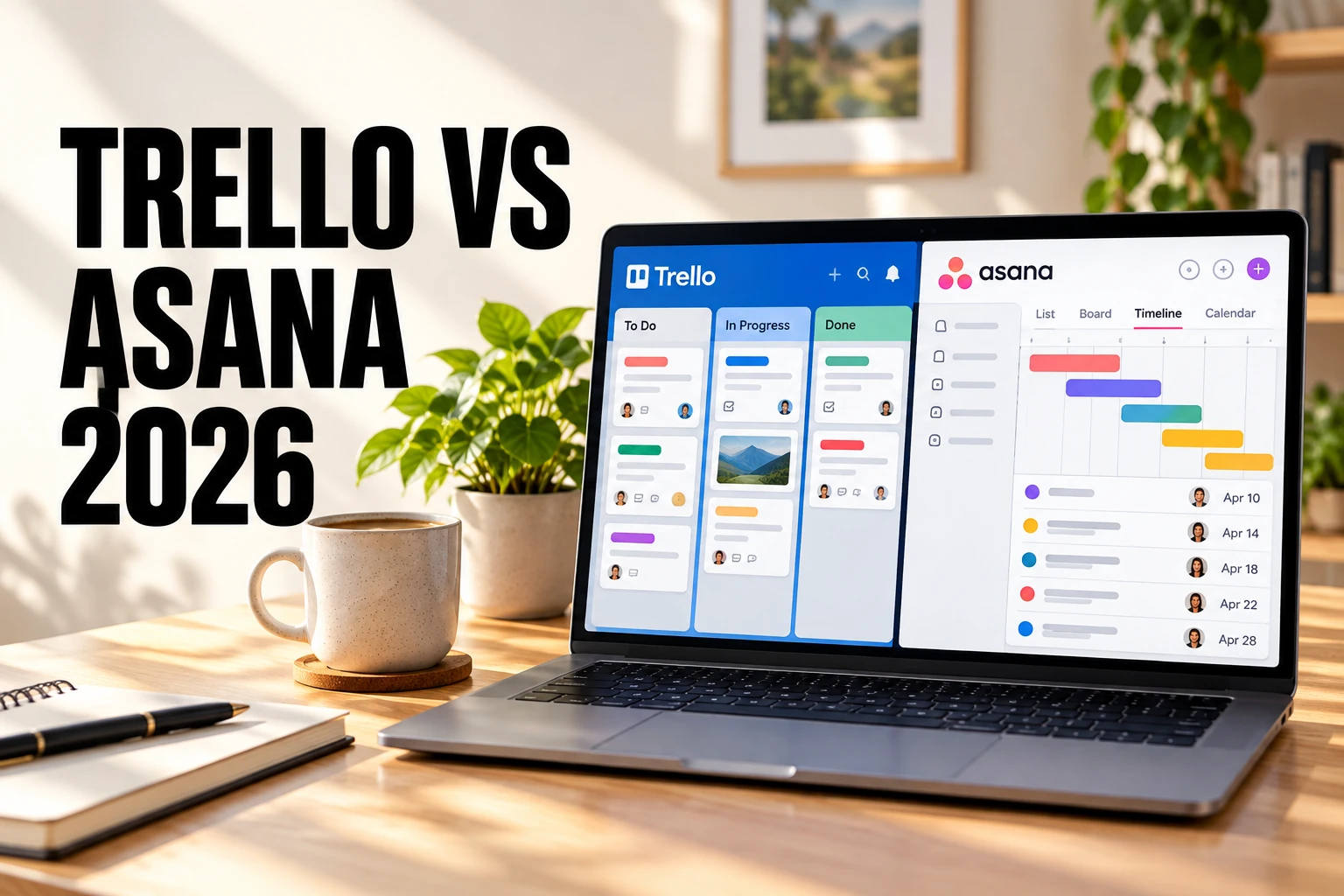
Trello and Asana can both organize team projects, but they are designed for different levels of structure. Trello is the better fit when a team wants a simple visual board that people can understand quickly. Asana is better when the same team needs more structured task management, multiple project views, dependencies, reporting, forms, custom fields, and cross-project planning.
Quick verdict: Choose Trello for straightforward Kanban workflows, content calendars, personal planning, and small teams that value simplicity. Choose Asana when you need more structured project planning, multiple views, dependencies, reporting, workflow automation, or coordination across several projects.
Last updated: September 28, 2026. Pricing and feature availability were checked against official Trello, Atlassian, and Asana pages. Vendors can change prices, limits, AI allowances, seat rules, and regional billing terms at any time.
Trello vs Asana at a Glance
| Category | Trello | Asana | Advantage |
|---|---|---|---|
| Core approach | Boards, lists, and cards | Structured tasks and projects | Depends on team |
| Ease of use | Very fast to learn | More structure to configure | Trello |
| Task structure | Cards, checklists, fields, and labels | Tasks, subtasks, sections, fields, dependencies, and milestones | Asana |
| Views | Board first; additional views on Premium | List, Board, Calendar, Timeline, Gantt, Dashboard, and more depending on plan | Asana |
| Automation | Built-in no-code automation with plan quotas | Rules and workflow automation; unlimited automations on Starter | Depends on workflow |
| Reporting | Dashboard and cross-board views on Premium | Reporting dashboards on Starter; portfolios and broader planning on Advanced | Asana |
| Free plan | Up to 10 collaborators and 10 open boards per Workspace | Current Personal plan supports up to 2 seats | Depends on needs |
| Best fit | Simple visual workflows | Structured multi-step projects | Depends on team |
What Is the Main Difference Between Trello and Asana?
The main difference is how much project structure each platform gives a team.
Trello starts with a board. Lists usually represent stages, while cards represent tasks or work items. A team can create a useful workflow with only a few decisions: create columns, add cards, assign people, set dates, and move cards as work progresses.
Asana starts with projects and tasks but provides more ways to organize and view the same work. Teams can use List, Board, Calendar, Timeline, Gantt, Dashboard, and other views depending on their plan. Sections, custom fields, dependencies, forms, milestones, rules, and reporting add more structure as projects become more complex.
Trello reduces setup decisions. Asana gives teams more ways to define how work is organized and monitored. The better approach depends on whether that additional structure solves a real problem or simply creates more administration.
Ease of Use and Setup
Trello
Trello is easy to understand because its interface resembles a physical Kanban board. A new user can usually see what is waiting, what is in progress, and what has been completed without learning a complicated hierarchy.
This makes Trello especially practical for content calendars, client approvals, hiring pipelines, event planning, personal projects, and other workflows with clear stages.
Cards can contain members, due dates, descriptions, comments, attachments, labels, and checklists. Paid plans add capabilities such as Custom Fields and advanced checklists without changing the basic board model.
The simplicity can become a limitation when an organization needs to coordinate many related projects, dependencies, reporting requirements, and cross-team workflows.
Asana
Asana introduces more project-management concepts, but teams can still begin with a relatively simple List or Board project.
The difference becomes more visible as requirements grow. Projects can use sections, custom fields, dependencies, milestones, rules, forms, dashboards, Timeline, and Gantt views depending on the plan.
This provides more control, but teams should avoid enabling features simply because they are available. Too many fields, rules, and views can make a project harder to maintain.
Winner for ease of use: Trello. Asana is not necessarily difficult, but Trello reaches a clear working workflow with fewer setup decisions.
Task and Project Management
Trello cards are flexible work containers. A card can represent a task, article, sales lead, bug, approval request, event item, or almost anything else a team wants to move through a workflow.
Standard adds Custom Fields and advanced checklists, which make cards more useful for repeatable processes. Teams can also use labels, due dates, members, attachments, comments, and automation to create surprisingly capable workflows without abandoning the board model.
Asana uses a more structured task model. Teams can organize work into projects and sections, assign owners and due dates, create subtasks, add custom fields, and use dependencies to represent work that must happen in sequence.
That structure becomes valuable when the relationship between tasks matters as much as the status of each individual task.
For example, a simple editorial workflow may work perfectly as a Trello board. A product launch involving design, engineering, marketing, legal review, and launch dependencies may benefit more from Asana’s structured project model.
Winner: Asana for structured project management; Trello for visual clarity.
Views, Dashboards, and Reporting
Trello remains board-first, but Premium expands the platform with Calendar, Timeline, Table, Dashboard, and Map views. Workspace Table and Calendar views can also provide visibility across multiple boards.
These options make Trello more capable than a traditional Kanban tool while preserving the board as its central model.
Asana provides a broader set of project views. Its official documentation lists views including List, Board, Calendar, Timeline, Gantt, Dashboard, Messages, and Files, although availability depends on the plan.
The advantage is that different people can look at the same project differently. A contributor might prefer List view, a creative team might use Board view, and a project manager might rely on Timeline or Gantt.
Asana Starter also includes reporting dashboards. Advanced extends the higher-level management model with portfolios and goals.
Winner: Asana. Trello provides useful alternative views, but Asana is designed around multiple ways of planning, monitoring, and reporting on work.
Automation and Workflow Management
Trello includes built-in no-code automation. Rules, buttons, scheduled commands, and due-date commands can move cards, assign members, update fields, and perform other repetitive actions.
The current official Atlassian documentation lists 250 automation runs per month on Free and 1,000 on Standard. Premium and Enterprise provide unlimited automation runs, although separate operation limits still apply.
This automation fits naturally into board workflows. A team might automatically assign an editor when a card moves into a Review list or move overdue work into a follow-up list.
Asana also supports rules and workflow automation. Its current Starter plan includes unlimited automations as well as forms, custom fields, custom templates, reporting dashboards, Timeline, and Gantt views.
Asana’s automation becomes particularly useful when work follows structured rules across several stages or when incoming requests need to be standardized through forms and fields.
Winner: No universal winner. Trello automation is straightforward inside visual boards. Asana combines automation with a broader workflow-management system.
Collaboration and Team Coordination
Trello collaboration primarily happens around cards. Team members can assign work, leave comments, attach files, create checklists, and see activity as cards move through the board.
This works well when the board itself communicates most of what the team needs to know.
Asana provides similar task-level collaboration but adds more project context and coordination tools. Project views, milestones, dependencies, custom fields, status information, and dashboards can help larger teams understand not only individual tasks but also overall project progress.
The difference matters when several departments are involved. A small content team may only need to know whether an article is in Writing, Editing, Design, or Published. A cross-functional launch team may need to understand which tasks are blocked, which milestone is at risk, and how several workstreams relate to one another.
Winner: Depends on complexity. Trello keeps collaboration lightweight. Asana provides more structure for coordinating interconnected work.
Trello vs Asana Pricing in 2026
| Platform | Plan | Annual billing | Monthly billing | Best for |
|---|---|---|---|---|
| Trello | Free | Free | Free | Individuals and small visual workflows |
| Trello | Standard | $5/user/month | $6/user/month | Teams needing unlimited boards and richer cards |
| Trello | Premium | $10/user/month | $12.50/user/month | Multiple views and stronger Workspace controls |
| Asana | Personal | Free | Free | Individuals or two-person collaboration |
| Asana | Starter | $10.99/user/month | $13.49/user/month | Growing teams needing structured project management |
| Asana | Advanced | $24.99/user/month | $30.49/user/month | Companies coordinating portfolios and goals |
Trello has the lower published entry-level paid price. Standard provides unlimited boards and collaborators, Custom Fields, advanced checklists, larger attachments, and a higher automation allowance.
Trello Premium raises the price but adds Calendar, Timeline, Table, Dashboard, and Map views, Workspace-level views, unlimited automation runs, and additional administrative capabilities.
Asana Starter costs more than Trello Standard or Premium at published annual rates, but it includes a different level of project structure. Current features include Timeline and Gantt views, reporting dashboards, unlimited automations, forms, custom templates, custom fields, and unlimited free guests.
Asana Advanced is aimed at organizations managing work across departments and adds features such as portfolios and goals.
Do not compare subscription prices without comparing the workflow each plan must support. A cheaper tool becomes less economical if the team needs additional products or extensive manual processes to fill important gaps.
Free Plan Comparison
Trello Free currently supports up to 10 open boards and up to 10 collaborators per Workspace. It also includes unlimited Power-Ups, a 10MB limit per attachment, and 250 automation runs per month.
This makes the free plan useful for individuals and small groups that can organize their work within a limited number of boards.
Asana’s current Personal plan is designed primarily for individual productivity and small-scale collaboration. For accounts created after November 12, 2025, the official Asana documentation lists up to two seats per project and team, unlimited projects and tasks, List, Board, and Calendar views, and more than 100 integrations.
This is an important difference from older Asana free-plan comparisons. Legacy Personal accounts created before the November 2025 change may have different seat allowances.
Choose Trello Free when a small group needs a shared visual board system. Choose Asana Personal when one or two people want structured task and project management and do not need Starter-level team features.
Which Tool Is Better for Different Teams?
Choose Trello if:
- Your workflow is easy to represent as cards moving through stages.
- Fast onboarding matters more than detailed configuration.
- You manage content calendars, approvals, pipelines, or other visual processes.
- Your team already uses separate tools for documentation, communication, and reporting.
- You want team members to spend as little time as possible maintaining the project-management system.
Choose Asana if:
- Your projects contain subtasks, dependencies, milestones, or several related workstreams.
- You need List, Board, Calendar, Timeline, or Gantt-style planning.
- Forms, custom fields, rules, and reporting are important to your workflow.
- Several teams or departments collaborate on the same initiatives.
- You expect to manage portfolios, goals, or more formal project reporting as the organization grows.
Common Tradeoffs
Trello can become fragmented. A growing organization may create many boards with different labels, lists, naming conventions, and rules. Without clear Workspace standards, understanding work across boards becomes harder.
Asana can become overstructured. Custom fields, sections, dependencies, rules, forms, views, and reporting are useful only when the team maintains them consistently. Too much structure can turn project management into administrative work.
Simple does not always mean limited. A carefully designed Trello board with automation and Custom Fields can handle sophisticated workflows. Teams should not move to a more complex platform solely because it offers more features.
More features do not automatically create better project management. Asana provides stronger planning and reporting capabilities, but those capabilities create value only when the team’s projects actually require them.
Free-plan limits matter. Trello Free and Asana Personal now serve noticeably different collaboration patterns. Teams should evaluate current seat, board, view, automation, guest, and reporting limits rather than relying on older comparisons.
How to Decide
- Map one real team project from start to finish.
- Identify the tasks, subtasks, dependencies, fields, views, reports, and approvals it actually requires.
- Build the workflow in both Trello and Asana rather than comparing feature lists alone.
- Invite the people who will update tasks every day, not only managers or administrators.
- Measure how quickly users can create work, update status, and find their next action.
- Check which paid-plan features the workflow actually requires and calculate the cost for the real number of users.
- Choose the simpler system that meets the requirement without forcing the team to work around important limitations.
Final Verdict
Trello is better for simplicity and visible workflows. Its board, list, and card model is fast to learn and particularly effective when work moves through clear stages. Read our complete Trello review for a closer look at its features, pricing, strengths, and limitations.
Asana is better for structured project management. Multiple project views, dependencies, custom fields, forms, rules, reporting dashboards, and higher-level planning features give teams more control as projects become interconnected. Read our complete Asana review for a detailed assessment.
Do not choose Asana merely because it offers more project-management features, and do not choose Trello merely because it is easier to learn. Choose Trello when a clear visual workflow is enough. Choose Asana when the team genuinely needs more structure, planning, reporting, and coordination and is willing to maintain that structure consistently.