
Last updated: September 20, 2026
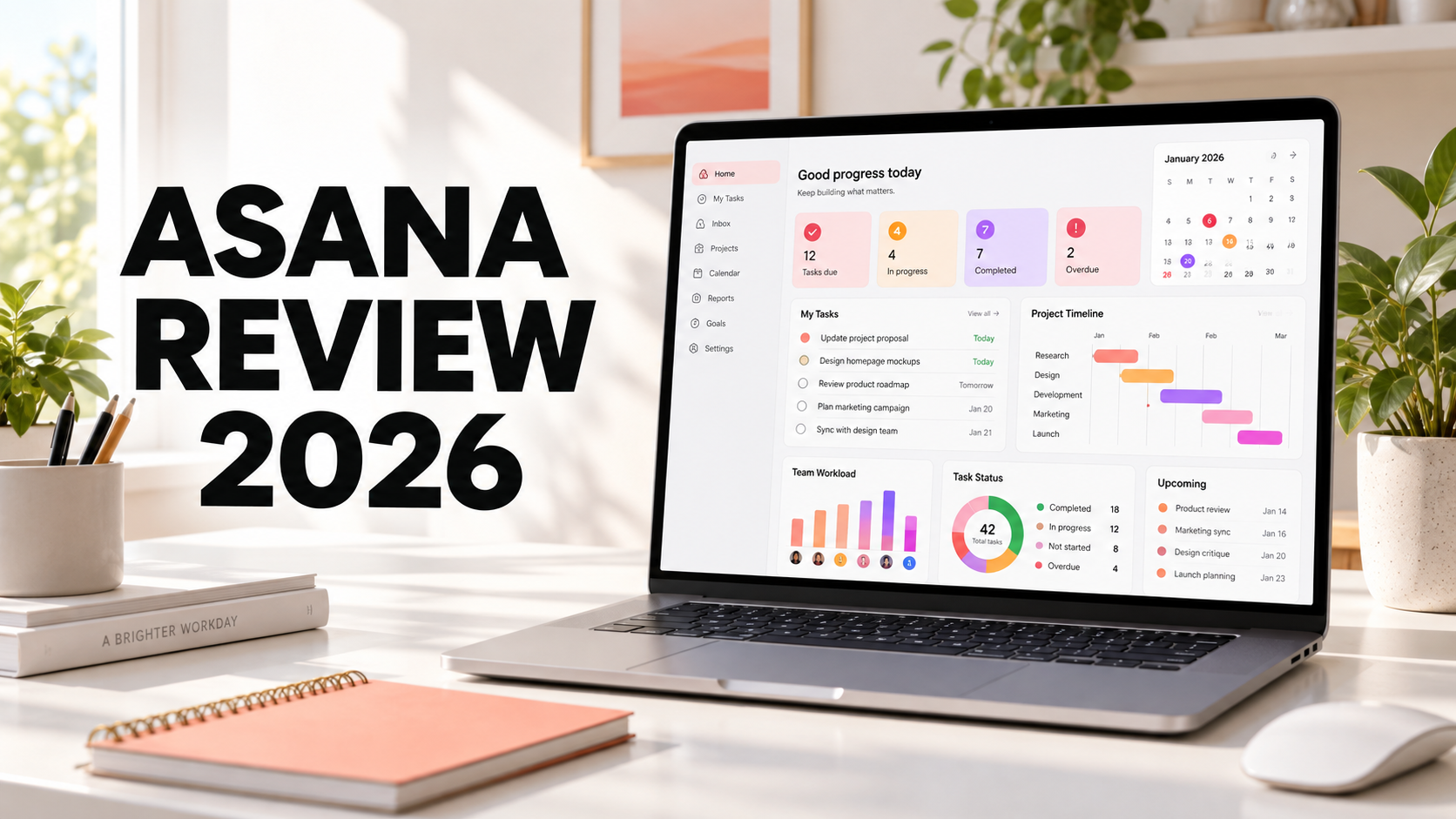
Asana is a popular work management platform designed to help teams organize projects, assign tasks, track deadlines, automate workflows, and monitor progress. Its clean interface makes it easier to learn than some highly customizable project management platforms.
Asana provides list, board, calendar, timeline, and Gantt views, along with forms, dashboards, goals, portfolios, workload tools, automations, integrations, and AI features. However, many of its strongest capabilities require a paid plan.
Quick verdict: Asana is an excellent choice for teams that want structured project management without an overly technical setup. Starter works well for small teams, while Advanced is better for organizations that need goals, portfolios, resource management, approvals, and native time tracking.
Comparing Asana with a more customizable all-in-one platform? Read our Asana vs ClickUp 2026 comparison.
Asana Review Summary
| Category | Assessment |
|---|---|
| Overall rating | 4.4 out of 5 |
| Best for | Teams that want clear project planning and task accountability |
| Free plan | Available for up to two users |
| Main strength | Clean interface with strong task and project management |
| Main weakness | Advanced features can become expensive as a team grows |
What Is Asana?
Asana is a cloud-based work management platform that helps individuals and teams plan, organize, and complete work. Each task can have an assignee, due date, description, attachments, comments, subtasks, dependencies, and custom fields.
Projects contain related tasks and can be displayed in several views. Teams can use Asana for marketing campaigns, content calendars, product launches, software development, client work, event planning, employee onboarding, and operational processes.
Asana is primarily built around structured work rather than document creation. It does not attempt to function as a highly flexible wiki in the same way as Notion. Instead, its main purpose is to make responsibilities, deadlines, dependencies, and project progress clearly visible.
Asana Features
1. Tasks and Subtasks
Tasks are the foundation of Asana. Each task can identify who is responsible, when the work is due, and what information is needed to complete it. Users can add subtasks, descriptions, files, comments, dependencies, collaborators, and custom fields.
A single task can be added to multiple projects without creating duplicate copies. Changes to the task are synchronized wherever it appears, which is useful when one item belongs to several workflows.
Recurring tasks can automatically repeat according to a schedule. This makes Asana useful for weekly reports, monthly reviews, routine maintenance, and other repeated responsibilities.
2. List, Board, and Calendar Views
Asana’s Personal plan includes three important project views:
- List view: Displays tasks in a structured list with sections and details
- Board view: Organizes tasks into Kanban-style columns
- Calendar view: Displays tasks according to their due dates
These views use the same underlying task information. A project manager can work in List view while a creative team uses Board view and stakeholders check deadlines through Calendar view.
3. Timeline and Gantt Charts
Starter adds Timeline and Gantt views. These views help teams visualize project schedules, milestones, dependencies, and potential delays.
Timeline is helpful for arranging tasks across dates, while Gantt charts provide a more traditional project scheduling view. Teams can identify which tasks are blocking other work and adjust the plan when priorities change.
4. Custom Fields
Custom fields allow teams to add structured information to tasks. Examples include priority, budget, campaign type, approval status, department, risk level, and estimated effort.
Consistent custom fields improve filtering and reporting. However, teams should avoid creating too many fields because an overly complicated task form can discourage people from updating their work.
5. Rules and Automations
Asana Rules automate repetitive workflow actions. A rule can assign a task, change a field, move work to another section, or notify a teammate when a trigger occurs.
For example, when a task moves to “Ready for Review,” Asana can assign it to an editor and update its approval status. Starter includes unlimited automations, although specific capabilities can depend on the plan and integration.
6. Forms
Forms allow people to submit requests that automatically become Asana tasks. Teams can create forms for creative briefs, IT requests, customer issues, employee onboarding, project intake, and other standardized processes.
Starter includes Forms, while Advanced adds branching and further customization. Branching can display different questions according to a previous answer, allowing one form to handle several request types.
7. Reporting Dashboards
Reporting dashboards convert project data into charts and metrics. Teams can track completed work, overdue tasks, task distribution, project progress, and custom-field information.
Dashboards are useful when managers need a visual summary without reviewing every individual task. Their accuracy still depends on team members keeping tasks and fields updated.
8. Goals and Portfolios
Advanced includes Goals and unlimited Portfolios. Goals connect everyday work to broader company objectives, while Portfolios organize multiple projects into one high-level view.
These features are valuable for managers overseeing several initiatives. A portfolio can show project status, owners, deadlines, and progress so leaders can identify risks across a program.
9. Resource Management
Advanced includes resource management tools that help managers understand team capacity. Workload information can reveal which employees have too much assigned work and which employees may have available capacity.
Resource planning is helpful for agencies, marketing departments, operations teams, and other groups that share specialists across multiple projects.
10. Approvals and Proofing
Approvals give tasks a defined review decision, such as approved, rejected, or changes requested. Proofing allows reviewers to provide feedback directly on images and PDF files.
These features can make creative review workflows clearer because feedback, files, and approval status remain attached to the work.
11. Time Tracking
Advanced includes native time tracking for comparing estimated time with actual time spent. This information can support project planning, workload decisions, and budget forecasting.
The free Personal plan supports time tracking through integrations rather than full native time tracking. Timesheets, project budgets, and user rates may require an additional Asana add-on.
12. Asana AI
Paid Asana plans include AI capabilities such as AI Teammates, Asana Dash, AI Studio, and AI assistance within work. These tools can help summarize information, support workflows, route work, and automate certain processes.
Asana’s official pricing page lists request and credit allowances for its AI features. Limits vary by plan, and organizations may need to purchase additional AI Studio credits depending on usage.
13. Integrations
Asana offers more than 100 free integrations, including connections with Slack, Microsoft 365, Google Workspace, Zoom, and other common business applications.
Advanced also supports connections involving Salesforce, Tableau, and Power BI. Integration availability and depth may differ by subscription plan.
Asana Pricing in 2026
Asana currently offers Personal, Starter, Advanced, Enterprise, and Enterprise+ plans. The following prices were displayed on Asana’s official pricing page on September 20, 2026.
| Plan | Annual billing | Monthly billing | Best for |
|---|---|---|---|
| Personal | Free | Free | One or two users managing personal projects |
| Starter | $10.99 per user/month | $13.49 per user/month | Small teams needing project planning and automation |
| Advanced | $24.99 per user/month | $30.49 per user/month | Growing teams requiring goals, portfolios, and resource management |
| Enterprise | Custom quote | Custom quote | Large organizations requiring enterprise administration and security |
| Enterprise+ | Custom quote | Custom quote | Organizations with advanced compliance and security requirements |
Prices and included features may change. Check the official Asana pricing page before purchasing.
Personal Plan
Personal is free forever and supports up to two users. It includes unlimited tasks and projects, list, board, and calendar views, status updates, unlimited storage with a 100MB maximum per file, and more than 100 free integrations.
This plan works for individuals, freelancers, or two-person teams. The two-user limit makes it less suitable for larger groups than some competing free plans.
Starter Plan
Starter removes the two-user limit and adds Timeline and Gantt views, reporting dashboards, unlimited automations, Forms, custom templates, custom fields, and unlimited free guests.
For most small professional teams, Starter provides the most useful balance between capability and price.
Advanced Plan
Advanced adds unlimited Portfolios, Goals, resource management, approvals, proofing, form branching, native time tracking, and expanded integrations.
This plan is intended for growing teams that need to manage work across several projects and connect day-to-day tasks with wider organizational goals.
Enterprise and Enterprise+
Enterprise adds SAML authentication, SCIM user provisioning, universal resource management, capacity planning, service accounts, view-only licenses, invitation controls, and project administration controls.
Enterprise+ adds higher-level security and compliance capabilities such as SIEM integration, data residency options, audit logs, and dedicated workspaces. Both plans require a custom quote.
Asana Pros and Cons
Pros
- Clean interface: Asana is relatively approachable for new project management users.
- Strong task management: Tasks include assignees, dates, dependencies, subtasks, files, and comments.
- Multiple project views: Teams can switch between list, board, calendar, timeline, and Gantt views.
- Useful automations: Rules reduce repetitive project administration.
- Excellent project intake: Forms can turn requests into structured tasks.
- Good management visibility: Dashboards, Goals, Portfolios, and resource tools support team planning.
- Large integration library: Asana connects with many widely used workplace applications.
- Free external guests: Starter includes unlimited free guests for client and contractor collaboration.
Cons
- Free plan supports only two users: Teams quickly need a paid subscription.
- Advanced is expensive: Resource management, Goals, Portfolios, approvals, and native time tracking require a higher-priced plan.
- Not a full document workspace: It is less flexible than Notion for wikis and detailed knowledge management.
- Limited built-in communication: Teams may still rely on Slack, Microsoft Teams, or email for broader conversations.
- Cost increases with team size: Per-user pricing can become significant for growing organizations.
- Some financial tools require an add-on: Timesheets, budgets, and user rates may add further cost.
- Setup standards are still necessary: Too many projects, custom fields, or rules can make a workspace confusing.
Who Should Use Asana?
Asana is particularly suitable for:
- Marketing and content production teams
- Project and operations managers
- Agencies coordinating client work
- Product launch and event teams
- Remote teams that need clear ownership and deadlines
- Growing organizations managing several related projects
- Teams that want structure without ClickUp’s higher level of configuration
Asana may be less suitable for organizations that primarily need a flexible knowledge base, advanced software development tools, or a generous free plan for several users.
Asana vs ClickUp
Asana and ClickUp are both capable project management platforms. Asana generally offers a cleaner interface and a more guided structure. ClickUp provides broader customization and more features inside one workspace.
Asana may be easier for a team to adopt when the priority is clear task ownership, deadlines, projects, and standardized workflows. ClickUp may be better when a team wants extensive customization, Docs, Chat, Whiteboards, detailed dashboards, and many workspace options.
Pricing should also be considered. ClickUp’s Unlimited and Business plans are generally priced below Asana’s comparable Starter and Advanced plans, although included features and usage limits differ.
Read our ClickUp Review 2026 for a detailed examination of ClickUp’s features, pricing, advantages, and disadvantages.
Asana vs Notion
Asana is focused on task and project execution. Notion is a flexible workspace for documents, wikis, databases, and knowledge management.
Choose Asana when responsibilities, deadlines, dependencies, workflows, and reporting are the primary requirements. Choose Notion when the team needs flexible documents, internal knowledge, research notes, and customizable databases.
Some organizations use both: Notion stores knowledge and documentation, while Asana manages deadlines and project execution.
For more information, read our Notion Review 2026 and Notion vs ClickUp comparison.
Is Asana Easy to Use?
Asana is relatively easy to learn for basic task and project management. New users can create a project, add tasks, assign owners, set deadlines, and choose a view without extensive configuration.
The best setup is usually simple. Start with a few projects, consistent task names, clear assignees, realistic due dates, and a small number of custom fields.
Add rules, dashboards, forms, portfolios, and goals only when the team has a clear reason to use them. This gradual approach reduces confusion and improves adoption.
Frequently Asked Questions
Is Asana free?
Yes. The Personal plan is free forever for up to two users. It includes unlimited tasks and projects, list, board, and calendar views, storage, status updates, and more than 100 free integrations.
How much does Asana cost?
As of September 20, 2026, Starter costs $10.99 per user per month with annual billing or $13.49 with monthly billing. Advanced costs $24.99 annually or $30.49 monthly per user. Enterprise plans use custom pricing.
Is Asana good for small businesses?
Yes. Starter includes the main project management features most small teams need, including Timeline, Gantt, dashboards, Forms, custom fields, automations, and free guests.
Can Asana replace ClickUp?
Asana can replace ClickUp when a team prefers a more focused interface and does not require all of ClickUp’s customization or connected workspace tools. Teams should compare specific plan features before migrating.
Does Asana include time tracking?
Native time tracking is included in Advanced. Personal can use time-tracking integrations. Additional timesheet and budget functions may require an add-on.
Does Asana have AI features?
Yes. Paid plans include Asana AI capabilities with plan-specific request and credit allowances. Additional AI Studio credits may be available for purchase.
Can Asana manage multiple projects?
Yes. Projects can be managed individually, and the Advanced plan provides unlimited Portfolios for monitoring groups of related projects.
Final Verdict
Asana remains one of the strongest project management platforms for teams that value clarity, accountability, structured workflows, and an approachable interface.
The Personal plan is useful for one or two users, while Starter is the most practical option for many small teams. Advanced becomes valuable when an organization needs Portfolios, Goals, resource management, approvals, proofing, and native time tracking.
Our recommendation: Begin with Personal if you are working alone or with one partner. Choose Starter when a team needs project planning, Forms, dashboards, and automation. Upgrade to Advanced only when portfolio-level planning and resource management provide clear business value.