
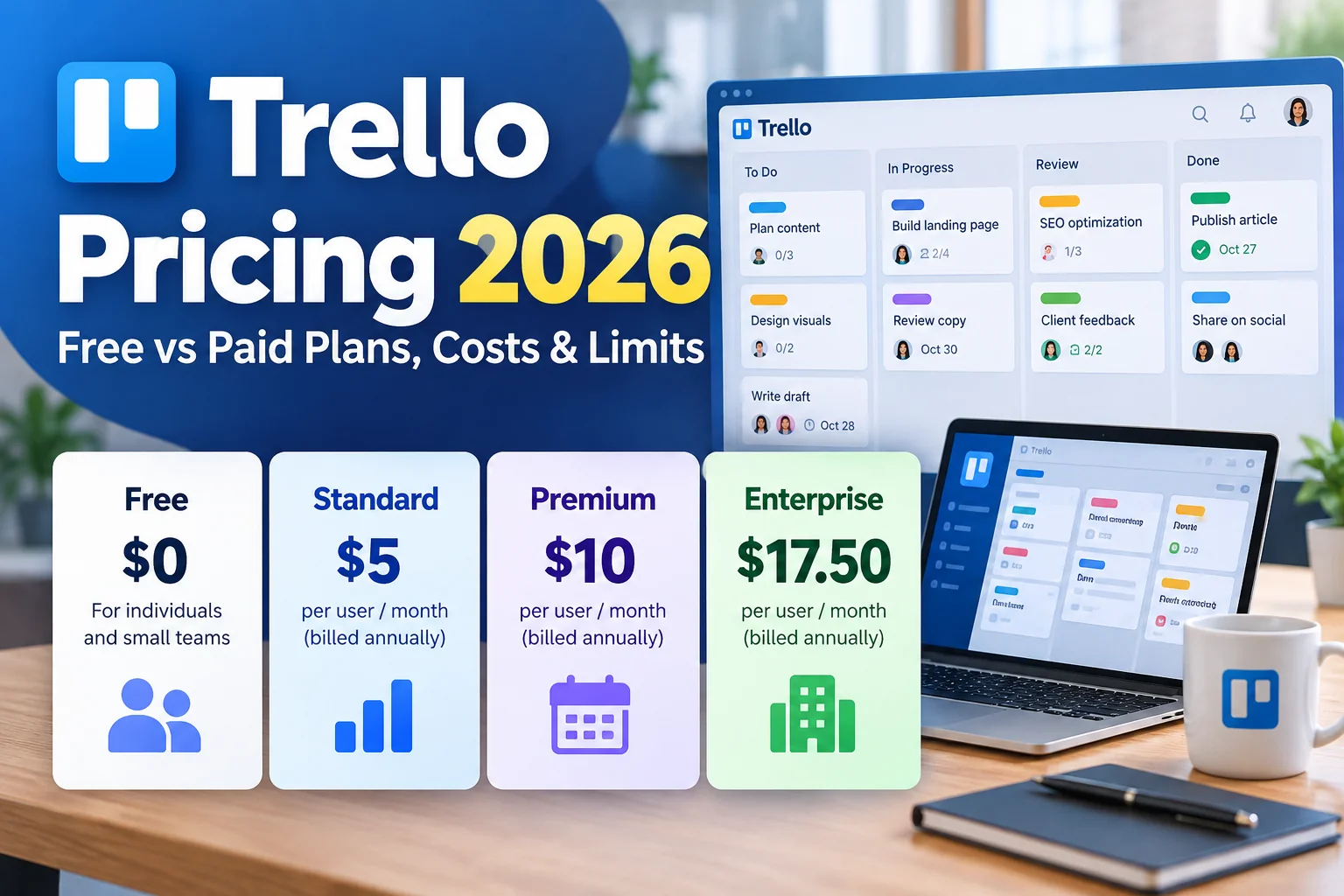
How much does Trello cost in 2026? Trello offers a Free plan and three paid options: Standard, Premium, and Enterprise. Standard starts at $5 per user per month with annual billing, while Premium starts at $10 per user per month with annual billing. Enterprise pricing starts at $17.50 per user per month on an annual basis, although final costs can depend on team size and contract terms.
Choosing a Trello plan is not simply about comparing monthly prices. The more important question is whether your team needs unlimited boards, larger attachments, advanced project views, automation capacity, or centralized administration.
In this guide, we compare Trello’s plans, explain the Free plan’s limits, calculate example costs for different team sizes, and help you decide when an upgrade makes financial sense.
Last updated: October 27, 2026. Prices are listed in USD and may change. Check Trello’s official pricing page before purchasing.
Quick Answer: How Much Does Trello Cost?
Trello’s published pricing includes four tiers:
| Plan | Annual Billing (Monthly Equivalent) | Monthly Billing | Best For |
|---|---|---|---|
| Free | $0 | $0 | Individuals and small teams |
| Standard | $5/user/month | $6/user/month | Growing teams needing unlimited boards |
| Premium | $10/user/month | $12.50/user/month | Teams managing multiple projects |
| Enterprise | From $17.50/user/month | Contact sales / annual billing | Organizations needing advanced security |
Important: Annual-billing prices are monthly equivalents, not necessarily month-to-month payment options. For example, Standard at $5 per user per month equals $60 per user per year before applicable taxes.
Source: Official Trello Pricing.
Trello Free Plan: What Do You Actually Get?
The Trello Free plan is a practical starting point for personal productivity, freelance work, student projects, and small teams. It includes core Kanban boards, cards, due dates, assignees, and Power-Ups.
Trello Free Plan Features
- Up to 10 open boards per Workspace
- Up to 10 collaborators per Workspace
- Unlimited cards
- Unlimited Power-Ups
- 10MB maximum per attachment
- 250 automation runs per month
- Basic task assignments and due dates
- Mobile apps for iOS and Android
These features may be sufficient if you use Trello for a personal content calendar, a small editorial workflow, or a limited number of projects.
What Are the Biggest Limitations of Trello Free?
The most significant limitation for growing teams is the 10-collaborator cap. This limit applies across the Workspace rather than separately to each board.
Collaborators can include Workspace members, board guests, and pending invitations. That means a team may reach its limit sooner than expected if it regularly invites clients or external contractors.
Free Workspaces also have a limit of 10 open boards. If your organization manages separate boards for marketing, sales, product development, operations, and customer support, this restriction may become inconvenient.
The 10MB attachment limit can also affect teams sharing design files, presentations, or other large assets.
Finally, the 250 monthly automation runs are shared across the Workspace. A workflow that automatically assigns cards, moves tasks, or sends reminders may consume this allowance quickly.
Our assessment: Free is the best-value option when your team remains comfortably within its limits. Paying for Trello makes sense when those limits create recurring friction, not merely because a paid plan exists.
Trello Standard Pricing: Is $5 per User Worth It?
Trello Standard costs $5 per user per month with annual billing, or $6 per user per month when billed monthly.
Standard is the first meaningful upgrade for teams that like Trello’s board-based approach but need fewer operational restrictions.
What Is Included in Trello Standard?
- Unlimited boards and collaborators
- Advanced checklists and Custom Fields
- Card mirroring across boards
- Planner with advanced scheduling features
- AI-assisted task organization and supported AI features
- List colors and collapsible lists
- Up to 250MB per attachment
- 1,000 automation runs per month
- Single-board guests and saved searches
Custom Fields are especially useful for structured workflows. For example, a marketing team can add fields for campaign budget, publication channel, content type, or approval status.
Advanced checklists help break complex tasks into smaller assigned steps. This can be useful when multiple people contribute to a single deliverable.
When Should You Upgrade to Standard?
Standard is worth considering when you regularly need more than 10 boards, want to collaborate with more than 10 people, or depend on structured card information.
For many small businesses, Standard offers a strong balance between affordability and functionality. It removes major Free plan restrictions without requiring the higher cost of Premium.
Trello Premium Pricing: What Do You Get for $10?
Trello Premium costs $10 per user per month with annual billing, or $12.50 per user per month when billed monthly.
Premium includes Standard features and adds capabilities designed for teams coordinating several projects at once.
Key Trello Premium Benefits
- Additional project views, including Timeline, Calendar, Table, Dashboard, and Map views
- Unlimited automation runs, subject to separate operation quotas
- More advanced Workspace administration
- Enhanced project visibility across boards
- Data export capabilities
- Priority support
The biggest reason to consider Premium is visibility. Traditional Trello boards work well for tracking individual workflows, but managers may need to see schedules, workloads, and progress across several projects.
For example, an agency managing multiple client campaigns could use Timeline and Dashboard views to monitor upcoming deadlines and project status more effectively.
Is Trello Premium Worth Twice the Price of Standard?
Premium’s annual-billing price is twice that of Standard. Whether the upgrade is worthwhile depends on how often your team uses the additional views, administrative controls, and automation capacity.
If your team works almost entirely inside individual Kanban boards, Standard may be sufficient. If project coordination requires frequent reporting and cross-board visibility, Premium may justify its higher cost.
Trello Enterprise Pricing: Who Needs It?
Trello Enterprise is designed for larger organizations that need centralized control, stronger security, and administration across multiple teams.
Its published starting price is approximately $17.50 per user per month, billed annually. Enterprise pricing can vary with user count and purchasing arrangements, so organizations should verify their actual quote.
Why Choose Enterprise?
- Organization-wide administration
- Advanced security and permissions
- Centralized Workspace management
- Enterprise-level support
- Additional identity and access management capabilities
Enterprise is not usually the most economical choice for a small team. It becomes more relevant when IT governance, security requirements, and administrative consistency are major purchasing considerations.
Trello Pricing Comparison: Features and Limits
| Feature | Free | Standard | Premium | Enterprise |
|---|---|---|---|---|
| Open Boards | Up to 10 | Unlimited | Unlimited | Unlimited |
| Collaborators | Up to 10 | Unlimited | Unlimited | Unlimited |
| Attachment Size | 10MB/file | 250MB/file | 250MB/file | 250MB/file |
| Monthly Automation Runs | 250 | 1,000 | Unlimited* | Unlimited* |
| Custom Fields | No | Yes | Yes | Yes |
| Advanced Checklists | No | Yes | Yes | Yes |
| Additional Project Views | Limited | Limited | Yes | Yes |
| Advanced Organization Controls | No | Limited | More options | Enterprise-level |
*Premium and Enterprise offer unlimited automation runs, but separate monthly operation quotas still apply. See Trello’s automation quota documentation.
Trello Cost Calculator: 5, 10, 20, and 50 Users
The true cost of a paid Trello plan depends on the number of billable users and the billing cycle. The following examples use the published annual-billing rates for Standard and Premium.
| Team Size | Standard / Year | Premium / Year | Annual Difference |
|---|---|---|---|
| 5 users | $300 | $600 | $300 |
| 10 users | $600 | $1,200 | $600 |
| 20 users | $1,200 | $2,400 | $1,200 |
| 50 users | $3,000 | $6,000 | $3,000 |
These are illustrative calculations, not individualized quotes. They assume all listed users are billable at the published per-user rate and exclude taxes, discounts, and billing adjustments.
Example: A 10-Person Marketing Team
Suppose a marketing department has 10 paid Workspace members.
- Standard: 10 × $5 × 12 = $600 per year
- Premium: 10 × $10 × 12 = $1,200 per year
- Additional Premium cost: $600 per year
To justify Premium, the team should identify a practical benefit worth at least the additional expense. That could include time saved in reporting, improved coordination, or reduced manual work.
If those advantages are not important to the team, Standard may be the better financial decision.
Annual vs Monthly Billing: How Much Can You Save?
Choosing annual billing lowers the published monthly-equivalent rate for Standard and Premium.
| Plan | 12 Months of Monthly Billing / User | Annual Billing / User | Difference |
|---|---|---|---|
| Standard | $72 | $60 | $12 |
| Premium | $150 | $120 | $30 |
Based on these rates, annual billing reduces the cost by approximately 16.7% for Standard and 20% for Premium compared with paying the monthly rate for 12 months.
However, annual billing involves a longer commitment. Teams that are testing Trello or expect their membership to change significantly should consider flexibility alongside the discount.
Hidden Costs and Billing Considerations
Before purchasing a Trello subscription, consider the following factors.
1. Workspace Members and Guests
Trello billing is based on eligible billable users rather than simply the number of people in your company. Guest arrangements can affect the bill, particularly when someone participates in multiple boards.
Review your Workspace membership and Trello’s current billing rules before calculating a final budget.
2. Taxes and Currency Conversion
Published US dollar prices may not include applicable taxes. Organizations paying in another currency may also face exchange-rate differences or card conversion fees.
3. Automation Limits Beyond Run Counts
Trello automation has two separate limits: runs and operations. A run occurs when an automation is triggered, while each action performed can consume one or more operations.
According to Trello’s official documentation, Free includes 250 runs and 2,500 operations per month, while Standard includes 1,000 runs and 20,000 operations.
Premium and Enterprise offer unlimited automation runs, but operations are limited to 150,000 per month plus 10,000 per paid user, up to 250,000 operations per Workspace.
These quotas are shared across the Workspace, so teams using complex automations should monitor operation usage rather than relying only on the number of runs.
4. Premium Features May Not Replace Other Tools
Advanced project views can reduce the need for separate reporting workflows, but Trello may not replace every specialized tool used for resource planning, financial management, or analytics.
5. Downgrading Can Affect Workflows
If you downgrade to Trello Free, the Free plan’s board and collaborator limits will apply.
When a Workspace exceeds the Free plan’s 10-open-board limit, only the 10 most recently active boards remain open. Other boards are closed rather than deleted.
Some paid features may become unavailable after downgrading, even when their underlying data is retained.
Before changing plans, review your active boards, collaborators, automations, and any features your team depends on.
Which Trello Plan Should You Choose?
Choose Free If…
- You work alone or with a small group.
- You need no more than 10 open boards.
- You rarely attach large files.
- Your automation needs are modest.
Choose Standard If…
- Your team needs unlimited boards.
- You collaborate with more than 10 people.
- You want Custom Fields and advanced checklists.
- You want a relatively inexpensive paid project management tool.
Choose Premium If…
- You manage multiple projects simultaneously.
- You need Timeline, Dashboard, or other project views.
- Your team uses automation extensively.
- You need stronger administrative capabilities.
Choose Enterprise If…
- Your organization manages many teams or Workspaces.
- Security and centralized administration are priorities.
- You have formal IT governance requirements.
- You need enterprise-level support and purchasing arrangements.
Is Trello Cheaper Than Other Project Management Tools?
Trello is often attractive to teams that prefer simple visual task management. However, comparing subscription prices alone can be misleading.
For example, an organization may find Trello Standard affordable but later discover that it needs more sophisticated reporting or resource management. Another team may find that Trello’s straightforward boards are all it needs, making a more complex platform unnecessary.
When comparing Trello with Asana, ClickUp, or monday.com, evaluate:
- Required project views
- Automation limits
- Reporting requirements
- Number of billable users
- Administrative and security needs
- Time required for onboarding and maintenance
The lowest subscription price does not always produce the lowest total operating cost.
Frequently Asked Questions About Trello Pricing
Is Trello free forever?
Trello offers an ongoing Free plan rather than only a time-limited trial. However, the Free plan has restrictions on collaborators, open boards, attachments, and automation usage.
How much does Trello Standard cost?
Trello Standard costs $5 per user per month with annual billing or $6 per user per month with monthly billing, based on published USD pricing.
How much does Trello Premium cost?
Trello Premium costs $10 per user per month with annual billing or $12.50 per user per month with monthly billing.
Can more than 10 people use Trello Free?
A Free Workspace is limited to 10 collaborators. Teams that need more collaborators in one Workspace should consider a paid plan or review how their Workspaces are organized.
Does Trello Standard include unlimited boards?
Yes. Standard removes the Free plan’s 10-open-board restriction.
Does Trello Premium include unlimited automation?
Premium includes unlimited automation runs, but monthly operation quotas and other automation limits still apply.
Is annual Trello billing cheaper?
Yes. Based on the published prices, annual billing costs less than paying the monthly rate for a full year. The trade-off is a longer billing commitment.
Can I downgrade from Trello Premium to Free?
Yes, but Free plan limits will apply after the paid subscription period ends. Review your boards, collaborators, and paid features before downgrading.
Final Verdict: Which Trello Plan Offers the Best Value in 2026?
Trello Free offers excellent value for individuals and small teams that do not need many boards or extensive automation.
Trello Standard is our recommended starting point for growing teams. At $5 per user per month with annual billing, it removes important restrictions while keeping subscription costs manageable.
Trello Premium is worth considering when multiple project views, automation capacity, and stronger administrative controls directly improve team productivity.
Trello Enterprise is intended for organizations with more demanding security, governance, and centralized administration requirements.
Before upgrading, identify the specific limitation your team needs to solve. If Free already supports your workflow, there may be no reason to pay. If your team regularly hits its limits, Standard is usually the logical next step.
Compare the latest plans: Visit Trello’s official pricing page.
Related Trello Guides
Pricing is only one factor when choosing a project management tool. Before selecting a plan, explore our Trello Review 2026 for a closer look at its features, automation, advantages, disadvantages, and real-world use cases.